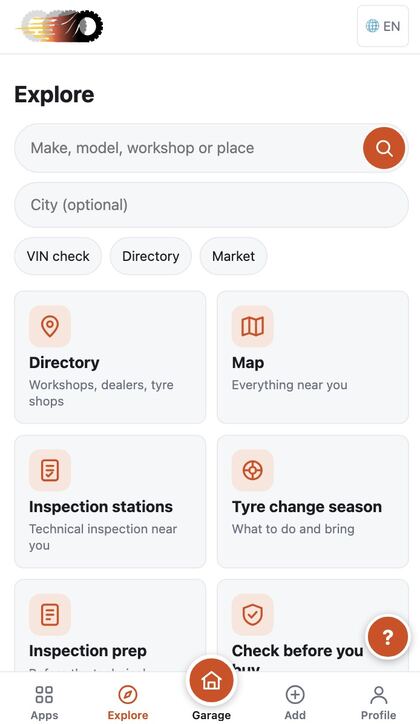
Install the app on your phone
Put cetiritocka on your Home Screen. It opens full screen like an app, starts fast, and can remind you of deadlines.
You are already using the installed app.
1. Add it to your Home Screen
Where your browser allows it, an install button appears here. If it does not, follow the steps for your device.
iPhone and iPad
- Open this page in Safari.
- Tap the Share button (a square with an arrow pointing up) at the bottom or top of the screen.
- Scroll down and tap “Add to Home Screen”.
- Tap “Add”. The cetiritocka icon appears on your Home Screen.
- Open cetiritocka from the Home Screen, not from Safari.
Apple does not let websites add themselves to the Home Screen, so on iPhone this is always done by hand. Notifications need iOS 16.4 or newer and only work in the app opened from the Home Screen.
Android
Tap the install button above, or open the browser menu (three dots) and choose “Install app” or “Add to Home screen”.
Computer
In Chrome or Edge, click the install icon at the right end of the address bar, or open the browser menu and choose “Install cetiritocka”.
2. Turn on notifications
Get a short message on this device when a deadline needs attention. It never contains your plate, VIN or car details. On iPhone, install the app first, open it from the Home Screen, then turn notifications on here.
Sign in first: notifications belong to your account.